How eSIM LATAM works

Everything you need to know about eSIM LATAM, how it works, and why it’s the easiest way to stay connected abroad.
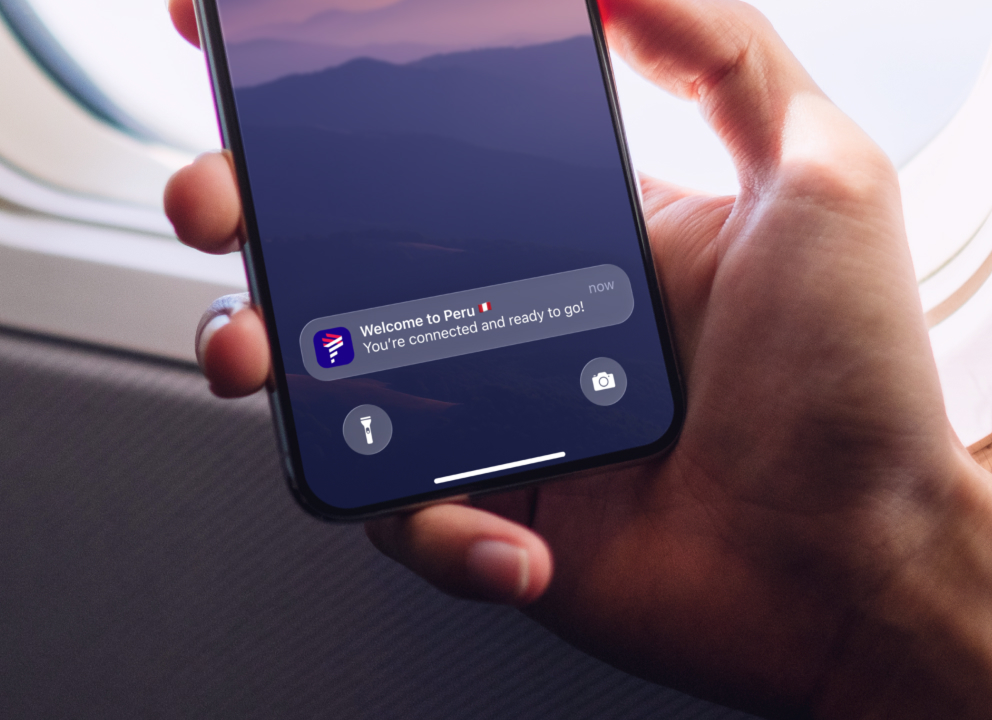
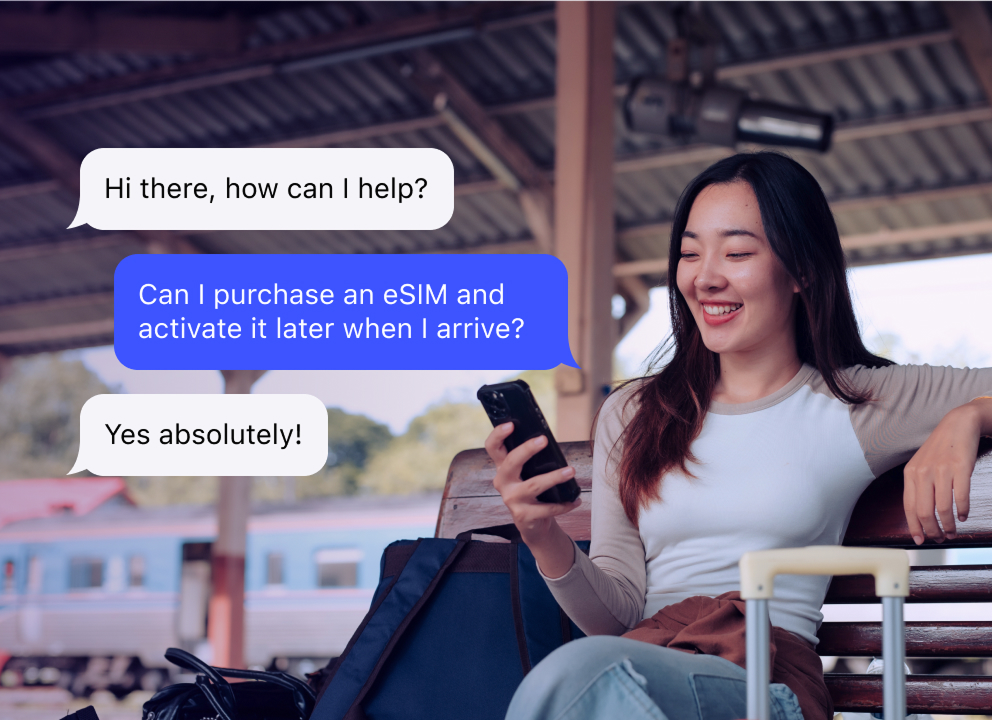
Buy your eSIM now, use it later - your 30 day validity starts when you arrive and connect
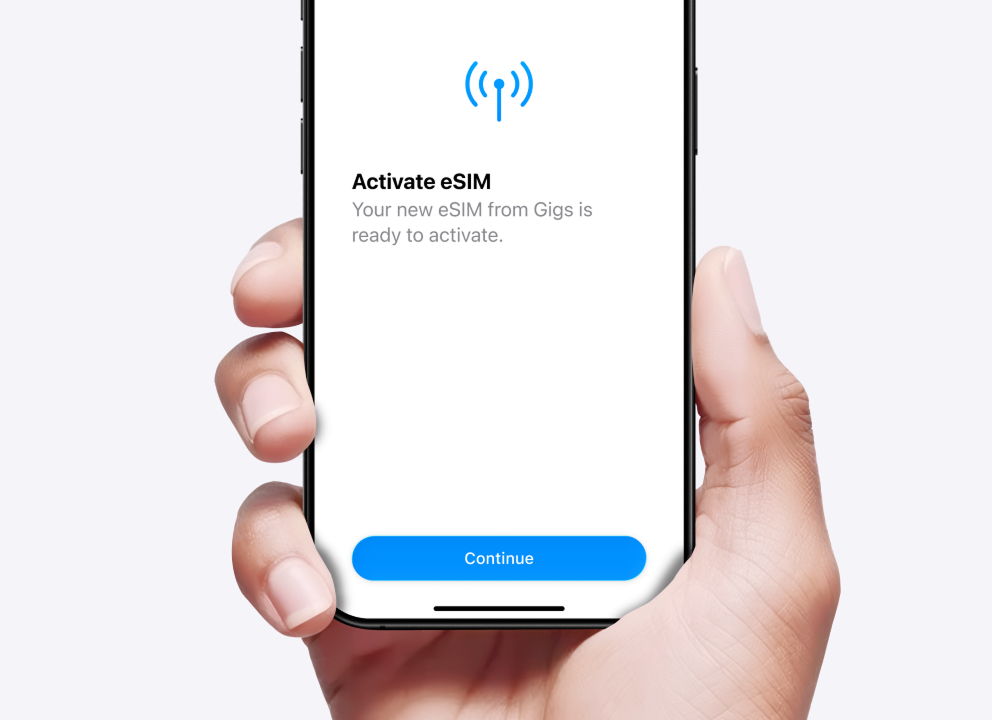
eSIMs are easy to install and activate anywhere - no fiddly plastic SIM card
Stay connected abroad without sneaky roaming fees
Your WhatsApp number stays the same when using eSIM  
0:00
/
0:00
576p

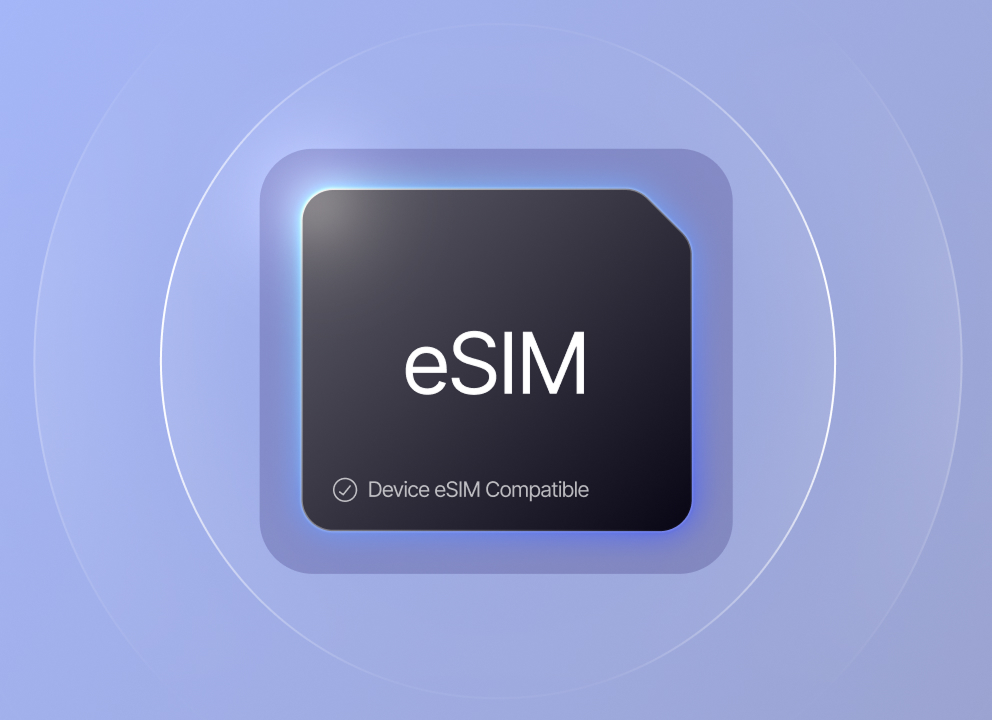
Check if your phone supports eSIM

Search for your phone's make and model below to check if it is eSIM compatible.  Note, some devices sold in China may not support eSIM, even if the model does in other countries.

Manually check if your phone supports eSIM

  1. Open your phone app—not a messaging app like WhatsApp, but the app used to make mobile calls
  2. Dial: *#06#
  3. If you see a 32-digit number labeled EID, your phone supports eSIM

Why travelers love eSIM LATAM

eSIM LATAM is the easiest way to stay connected on your travels

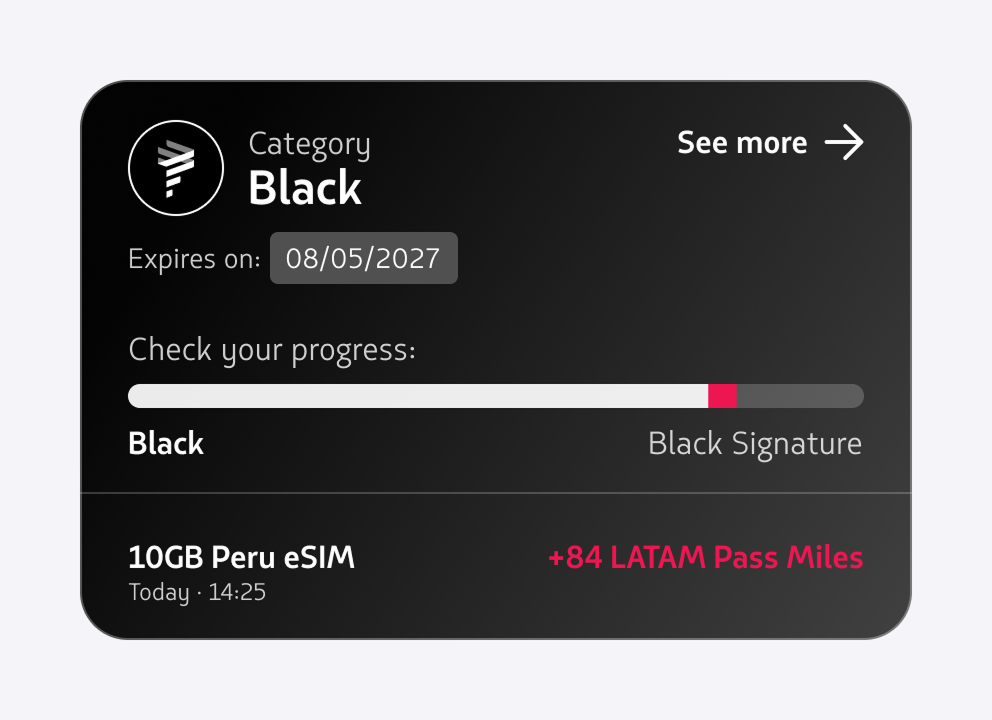
Earn LATAM Pass miles

You’ll earn earn 3 miles and 6 qualifying points for every dollar you spend. Simply enter your LATAM Pass membership number after you purchase an eSIM.

High-speed internet in over 170 countries

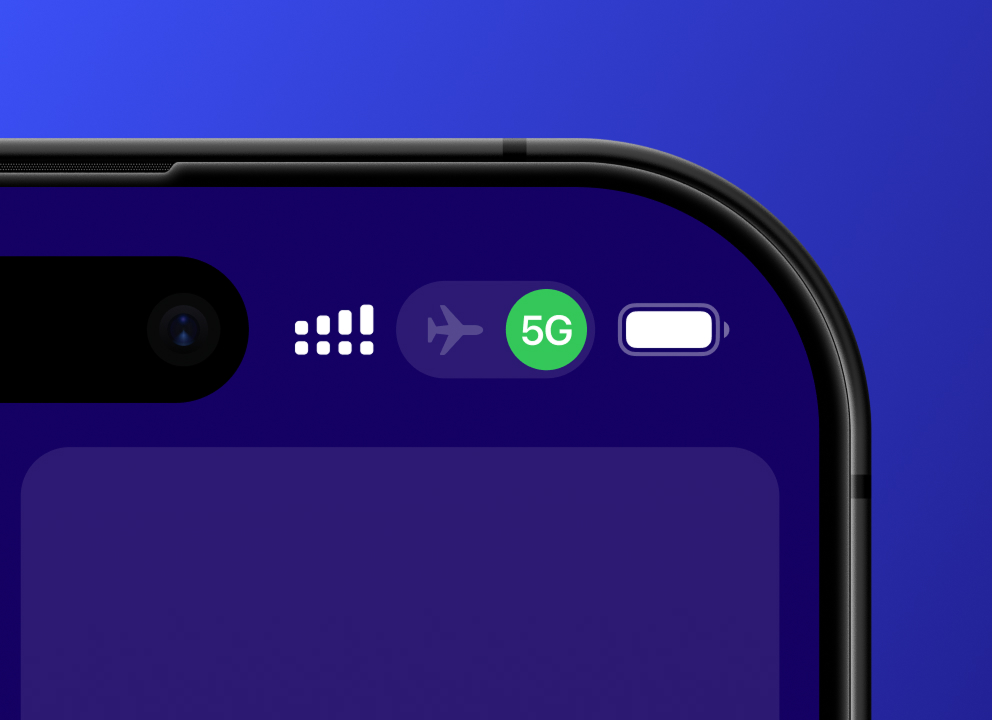
Our eSIMs offer reliable coverage wherever you’re travelling. Simply choose a location, select a data package, install and connect.

Buy now, use later

Get your eSIM in advance and install it on your phone before you travel. Your 30 day validity will only begin when you arrive and connect to a network.

Avoid roaming fees

Most networks charge a premium for roaming. eSIM LATAM keeps you connected for less. With our flexible data packages, you’ll only pay for the data you need.

No fiddly plastic SIM card

There’s no need to take your normal SIM card out of your phone or swap in a new one. Simply buy and activate your eSIM online, install it digitally and you’re ready to go.

24/7 customer support

After you buy an eSIM, you’ll get step-by-step instructions to help you install and activate it. If you need help at any time, you can speak to our team.

Trusted by travelers around the world

“I wouldn’t have managed without my LATAM Mobile eSIM in London. I thought it would be hard to download, but it was easy to set up and the connection worked great.”
Anna
Verified Purchase
·
“Landing in Mexico, I had data straight away. Setup was quick and I could message, use maps, and stream Tiktok without looking for Wi-Fi.”
Cecilia
Verified Purchase
·
“I've used LATAM mobile eSIMs when travelling to Brazil several times. It saves me money and connection usually works well.”
Victor
Verified Purchase
·

Get an eSIM for your next trip

Stay connected throughout your trip with no surprise roaming fees. Enjoy instant high-speed data, and earn 3 miles and 6 qualifying points per dollar spent.
See our plans

Frequently asked questions

Got questions? Find answers.
What happens if I run out of data?

You can easily top up your data online by logging in to "My Account". We'll notify you as you approach your limit, so you stay connected without interruptions.

How can I check coverage in my area?

Your phone will be automatically connected to the strongest network, ensuring the best possible coverage wherever you are.

How will I get my SIM?

No physical SIM card is needed. Our SIM is digital (eSIM), which you can install on your device within minutes. After purchase and activation, we’ll give you installation instructions via email and on our platform. Make sure your device supports eSIM (see below).

Are there any hidden fees?

No, there are no hidden fees. All charges are displayed in USD before you pay.

How do I know if my device is eSIM compatible?

Most newer smartphones support eSIM. Generally:

  • iPhones: Models released in the last 6 years (from iPhone XR and newer).
  • Samsung Galaxy: Most models from S21 onwards.
  • Google Pixel: From Pixel 4a and newer.
  • Other Brands: Many flagship models from OnePlus, Xiaomi, and other major brands.

Check compatibility easily:

  • Option 1: Go to your phone’s Settings > Mobile Network > Add eSIM. If you see this option, your device is eSIM compatible.
  • Option 2: Visit the Manufacturer’s Compatibility Page for the latest information.

Important notes:

  • Carrier unlock required: Your device must be carrier unlocked to use an eSIM.
  • Regional limitations: Devices sold in China may not support eSIM, even if the model does in other countries.
How do I know if my device is unlocked?

Your device must be carrier unlocked to use an eSIM plan. If you're unsure whether your device is carrier unlocked, you can find out via your device settings. Reference the Carrier Lock description in your settings to determine your device status. “No SIM restrictions” means that your device is unlocked. If you don't see that message, please contact customer support.

Which payment methods are accepted?

You can use Apple Pay and Google Pay for safe and easy payments. We also accept all major credit and debit cards including:

  • VISA
  • Mastercard
  • Maestro
  • American Express
  • Discover
  • JCB
  • UnionPay
Couldn't find the answer to your question?

Visit our Help Center

Who is the eSIM product operator?

Gigs is a Delaware-licensed and incorporated company and is the eSIM product operator.